01 SOURCES 12–15 min
Sources into media
Turn a source folder into something students can watch or hear
You’ll make
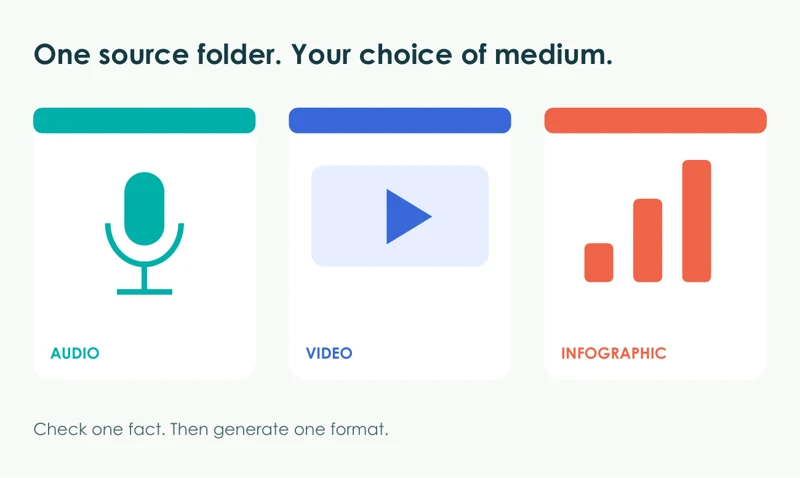
A podcast, video or infographic
HANDS-ON AI FOR EDUCATORS
Go beyond the chat window. Turn sources into media, data into a story, or an idea into a working app.
Five choices · One project · Your own computer
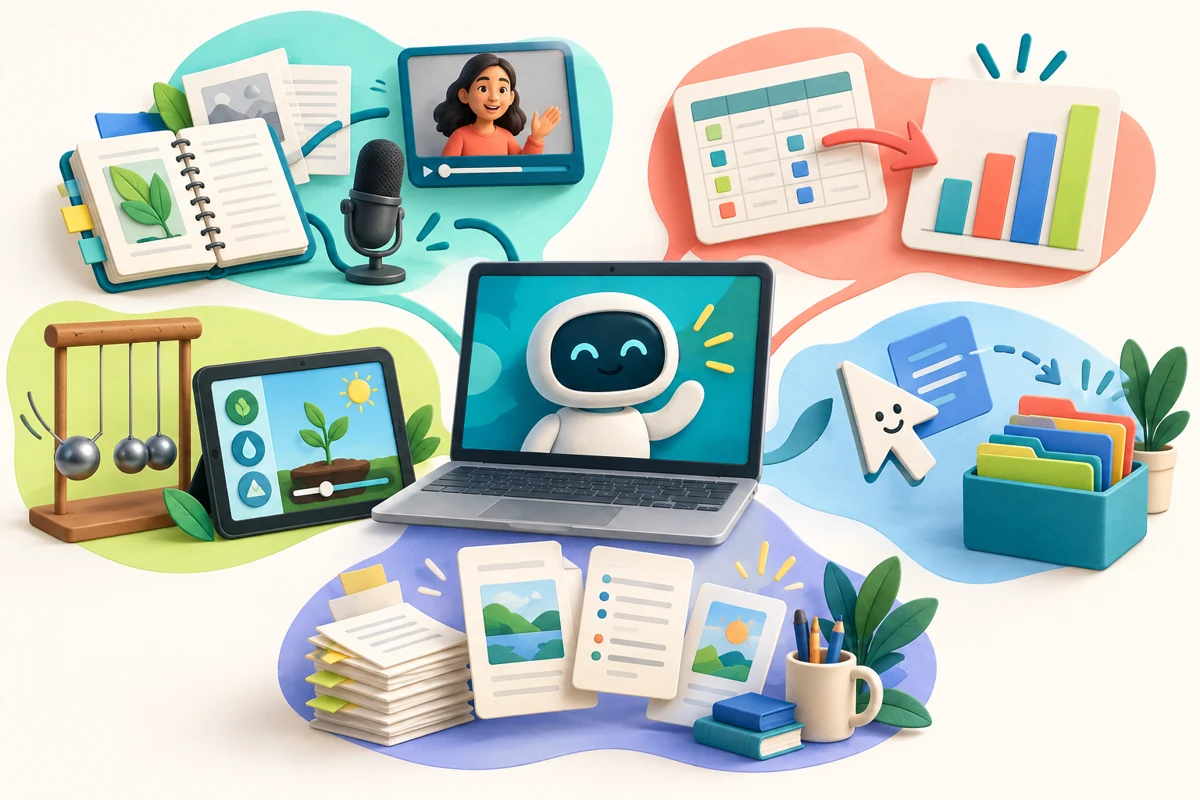 Bring an idea. Leave with an artifact.
A short show-and-tell + one live build.
Pick one project and a tool you can open.
Richard will circulate while you work.
YOUR NEXT 17 MINUTES
01 SOURCES 12–15 min
Turn a source folder into something students can watch or hear
You’ll make
A podcast, video or infographic
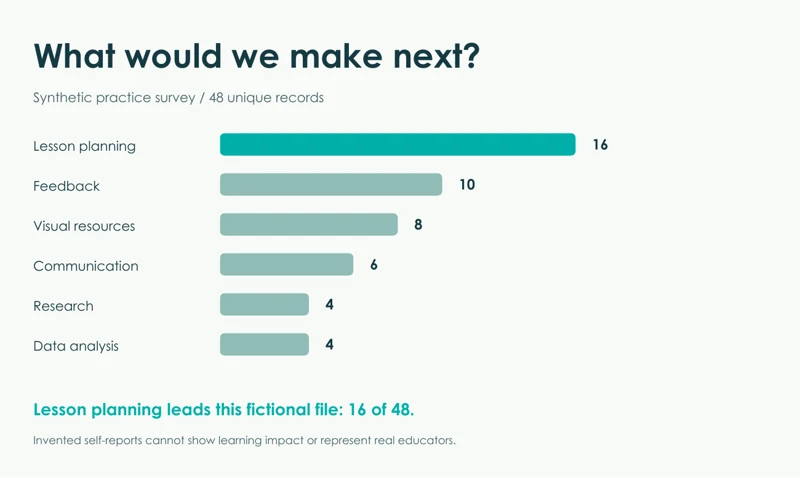
02 DATA 15–18 min
Make an infographic that earns its numbers
You’ll make
A checked survey infographic
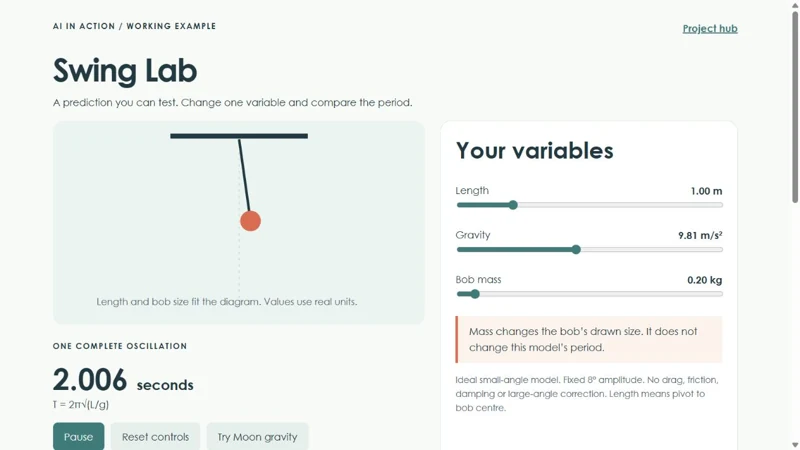
03 BUILD 15–18 min
Go from a prompt to a working investigation
You’ll make
A working one-page physics app
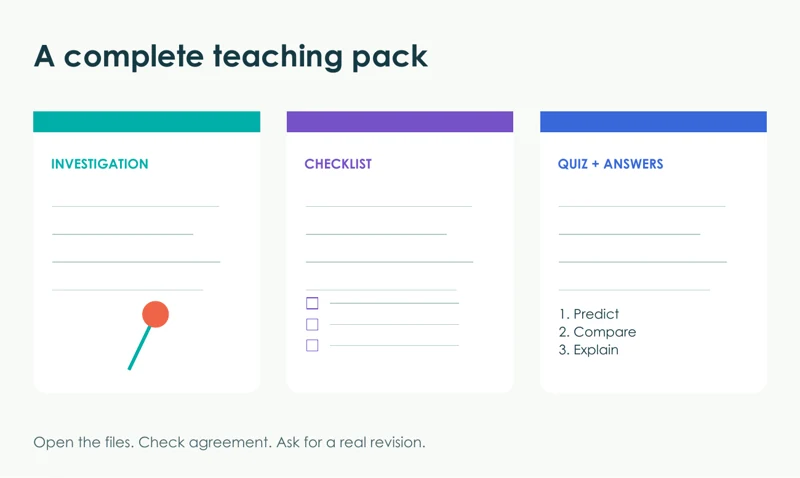
04 DELEGATE 15–18 min
Give an assistant the whole job and review the files
You’ll make
An investigation + checklist + quiz
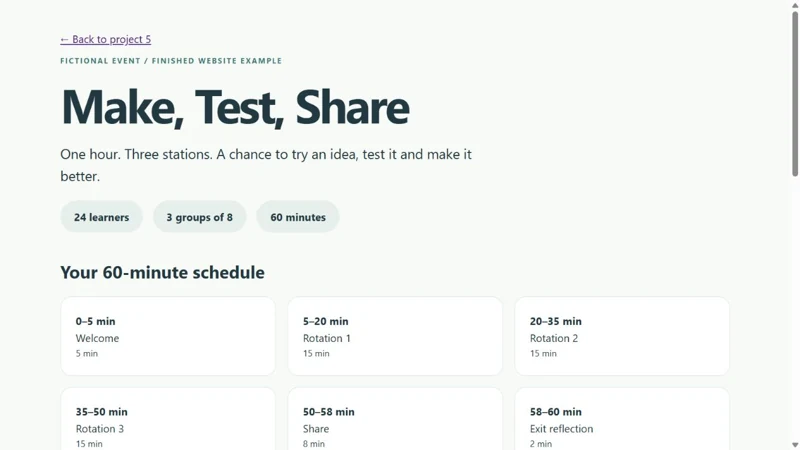
05 PRODUCE 15–18 min
Give an assistant a source website and a real deliverable
You’ll make
A PowerPoint, PDF, Word file or website
EDUCATION PERKS / YOUR NEXT UPGRADE
Find education offers and access notes for the frontier AI tools in this session. Taking an AQ? Check the benefits your current enrolment may unlock.
5 frontier tools · 3 optional extras · Checked October 3, 2026